
Body
In short
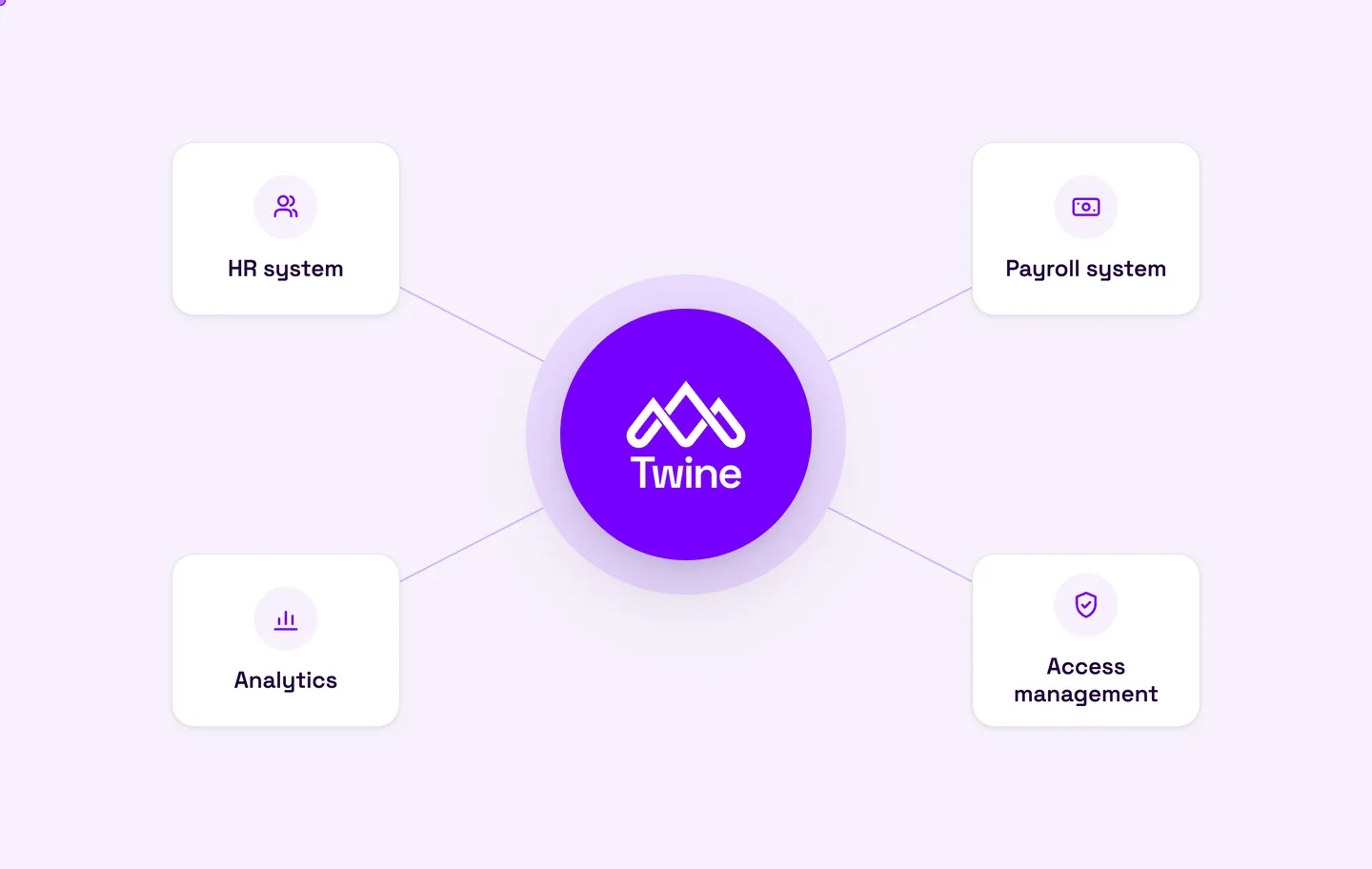
iPaaS (Integration Platform as a Service) is a cloud-based platform that connects different systems and moves data between them through one central hub, rather than wiring every system directly to every other. The platform handles the connections, data mapping, scheduling and monitoring. For HR and payroll, it means a new hire, a change of manager or a leaver is recorded once and reaches payroll, access management and finance automatically.
What does iPaaS stand for?
iPaaS stands for Integration Platform as a Service. IBM describes it as a suite of self-service, cloud-based tools that connect applications, systems and data sources across different IT environments (IBM).
In practice, an iPaaS is a middle layer. Your HR system does not need to know how payroll wants its data, and payroll does not need to understand the HR system's structure. The platform receives data from one system, translates it and passes it on in the right format. Because it is delivered as a service, the vendor looks after hosting, updates and security, so you do not have to own servers or integration code.
How does an integration platform work?
Most iPaaS products share the same building blocks:
- Connectors to common systems, so you are not building every connection from scratch.
- Mapping and transformation that translate fields and values. The HR system might store "contract type: permanent" while payroll expects a code.
- Flows and rules that decide what happens, in what order and under which conditions.
- Real time or batch: some data is sent the moment it changes, while other data runs as a file or a nightly job.
- Monitoring and alerts so someone is told when a flow stops or the data looks wrong.
That last point is easy to overlook. An integration that silently stops working is worse than no integration at all, because everyone assumes the data is getting through.
iPaaS vs point-to-point integration: what is the difference?
The most common alternative is point-to-point: each system is connected directly to every system it needs to talk to. That is fine with two or three systems. After that the number of connections grows quickly, and replacing one system means rebuilding several integrations. IBM notes that point-to-point connections become hard to manage and scale, and that they couple applications tightly together (IBM).
| Point-to-point | Integration platform (iPaaS) | |
|---|---|---|
| Structure | Every system linked to every other | All systems linked to one hub |
| Replacing a system | Several integrations rebuilt | One system reconnected to the hub |
| Troubleshooting | Spread across scripts and vendors | One overview with logs and alerts |
| Data mapping | Repeated in every connection | Done in one place |
| Ownership | Often unclear | One clear place and one clear vendor |
You may also come across the older ESB (Enterprise Service Bus) model, usually run on premises by larger organisations. An iPaaS builds on the same idea of a central hub but is delivered as a cloud service.
Why do HR and payroll need an integration platform?
HR and payroll data is some of the most connected data a business holds. A single event in the HR system often affects five or six other systems. A few everyday Nordic examples:
- New starter: the person needs to exist in payroll with the right salary, collective agreement and tax table, get an account in Entra ID, be added to time reporting and be linked to the right cost centre in finance.
- Change of manager: approval flows, access rights and reporting lines must update together, or the wrong manager ends up approving leave requests.
- Parental leave or long-term absence: the absence has to reach payroll in the right period, and possibly occupational health or pension administration too.
- Leaver: final pay, holiday pay and access removed on the day employment ends.
- Several companies in a group: different entities often run different payroll systems, and across the Nordics usually one per country.
Without integration, all of this runs on exports, spreadsheets and email. That takes time, but the bigger risks are incorrect pay and personal data travelling in ways that are hard to defend under GDPR. Any data you want to use for analytics or AI is also only as good as the weakest manual step in the chain.
What data flows through an HR and payroll iPaaS?
A typical setup looks something like this:
| From | To | Example data | How often |
|---|---|---|---|
| HR system | Payroll | Employment, salary, organisation, collective agreement | On change or daily |
| HR system | Entra ID / IT | Name, role, manager, start and end dates | On change |
| Time reporting | Payroll | Hours worked, overtime, absence | Before each pay run |
| Payroll | Finance | Payroll costs per cost centre | After each pay run |
| ATS (recruitment) | HR system | New hire and terms of employment | When the contract is signed |
Not every flow needs to be real time. Payroll data often moves as files once per period, and that is perfectly fine as long as the files are handled securely.
How to choose an iPaaS for HR and payroll
There are broad, general-purpose platforms for every kind of integration and more specialised platforms built for one domain. General platforms usually mean that you, or a consultant, build and maintain the flows. Specialised ones are more likely to understand how, for example, Nordic payroll systems behave. Questions worth asking:
- Which systems are already supported? Are your HR and payroll systems on the list, including the Nordic ones?
- Does it handle files? Many payroll systems still rely on file-based integration and SFTP.
- Who builds and maintains the flows? You, a consultant or the vendor?
- What does monitoring look like? Do you get alerts on errors and a history for every flow?
- Where is data stored and how is it protected? Ask about certifications such as ISO 27001, data centre location and how personal data is processed.
- What happens when you change systems? Good integration should make a system change easier, not harder.
- What does it cost over time? Compare it with the full cost of building and maintaining integrations yourself.
iPaaS or unified API?
The two terms are often mixed up. An iPaaS is mainly used by organisations that want to connect their own systems. A unified API is aimed at software vendors, such as a SaaS company that wants to offer its customers integrations with many HR or payroll systems through a single interface. The technology underneath can be similar, but the audience and use case differ. We will cover unified APIs in a separate post.
How Twine helps
Twine is a Nordic integration platform built for HR and payroll that sits in the middle of the flows between HR systems, payroll and other applications. We handle both API and file-based integrations, monitor every flow and adapt them when you change systems. Find out more at twine.se.
Checklist: getting started with an integration platform
- List every system that holds or needs HR and payroll data.
- Map which data should move from which system to which, and how often.
- Decide which system is the master for each type of data, for example HR owning organisation and employment details.
- Identify today's manual steps: exports, spreadsheets and emails containing personal data.
- Agree who receives alerts when a flow fails and who fixes it.
- Start with the flow that adds the most value, usually HR to payroll, and build from there.
Frequently asked questions about iPaaS
What is iPaaS in simple terms?
iPaaS is an integration platform delivered as a cloud service. It connects your systems through a shared hub so data moves between them automatically, without you building and hosting the integrations yourself.
What is the difference between iPaaS and an API?
An API is an interface that a single system offers so others can read or write its data. An iPaaS uses many different APIs, and often files, to move and translate data between systems.
Is Zapier an iPaaS?
Zapier is often described as a lightweight iPaaS for automations between popular cloud apps. HR and payroll data, with collective agreements, multiple entities and strict data protection requirements, usually calls for a platform with deeper support for those specific systems.
Does a small company need an integration platform?
It depends more on the number of systems than on headcount. If you have an HR system, a payroll system and a few other tools that need the same employee data, a platform tends to pay off early through fewer manual errors.
Is it safe to send HR data through an iPaaS?
It can be safer than manual handling, because data is no longer passed around in files and emails. Check where data is stored, which certifications the vendor holds and that a data processing agreement is in place.
Can an iPaaS handle files and SFTP?
Many can, but not all. Since several payroll systems still depend on files, it is an important question to ask before you choose a platform.
Sources: IBM: What is iPaaS?